Some websites are fun because they waste your time beautifully. Others earn a permanent spot in your bookmarks because they solve one annoying problem better than a whole app.
This list is for the second kind. Free online tools that are actually useful, easy to explain, and worth remembering the next time a tiny digital chore gets in your way.
1. Photopea
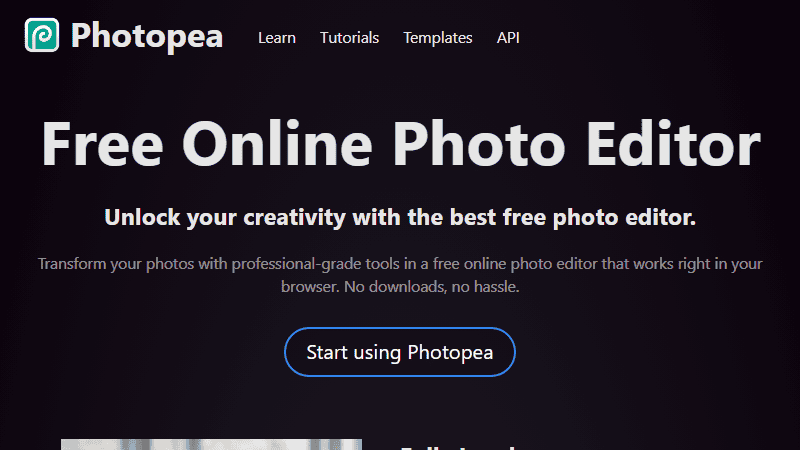
Photopea is the obvious place to start because it feels almost unfair that it runs in a browser. It opens PSD files, handles layers, supports masks, and gives you a Photoshop-like workspace without making you install anything.
If you only edit images once in a while, this can save you from paying for software you barely use.
2. Remove.bg
Remove.bg does one job: remove image backgrounds. It is fast, usually accurate, and especially handy when you need a quick cutout for a thumbnail, mockup, listing, or presentation.
You will still want a real editor for careful work, but for most simple images it gets you close in seconds.

3. TinyPNG
TinyPNG compresses images without making them look obviously worse. That makes it useful for blog images, website assets, screenshots, and anything else that should load quickly.
It is one of those tools you forget about until a folder of images is suddenly far too large.
4. Archive.today
Archive.today creates permanent snapshots of web pages. It is useful when you need to save a source, preserve a page before it changes, or keep a record of something that might disappear.
The web is not as permanent as it looks. This helps.
5. VirusTotal
VirusTotal lets you scan files and URLs using many security engines at once. It is not a magic shield, but it is an excellent second opinion before opening a suspicious download or clicking a strange link.
When in doubt, check first.
6. Temp Mail
Temp Mail gives you a disposable inbox for sites that demand an email address before showing you the thing you actually came for.
Use it carefully. It is not for accounts you need to keep. But for throwaway confirmations, it is very convenient.
7. SmallPDF
SmallPDF handles the usual PDF chores: compressing, merging, splitting, converting, and signing. It is the sort of site you search for in a hurry, then wish you had bookmarked earlier.
PDFs are still weirdly stubborn. This makes them less so.
8. Online Convert
Online Convert is useful when you have a file in the wrong format and do not want to install a converter for a one-time job. Documents, audio, video, images, ebooks, and more are covered.
It is not glamorous. It is just helpful.
9. QR Code Generator
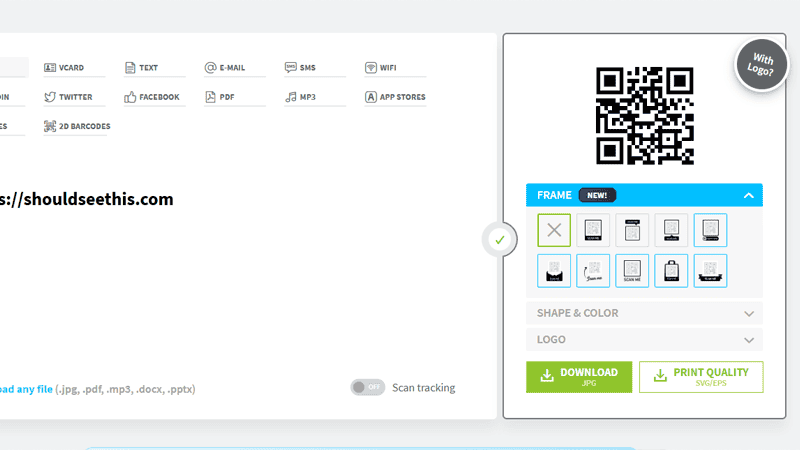
QR Code Generator is handy for quick links, event signs, menus, Wi-Fi cards, and anything else where typing a URL would be annoying.
The main thing is speed. Paste, generate, download.
10. Strong Password Generator
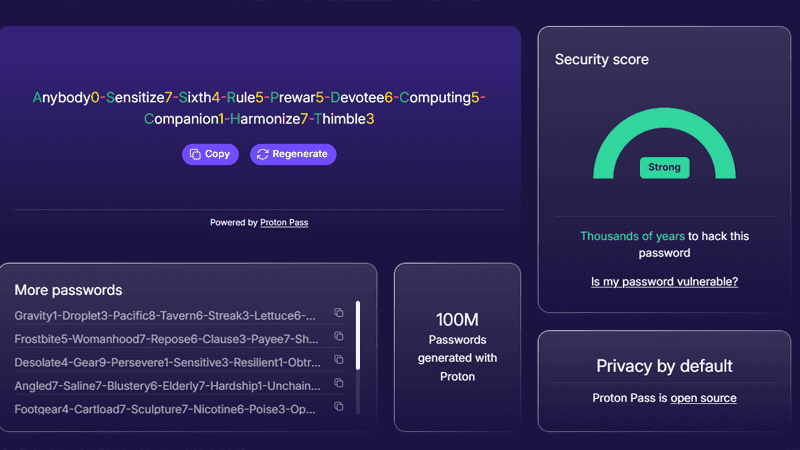
Strong Password Generator helps you create passwords that are actually random instead of "Summer2026!" wearing a hat.
Use a password manager too. A generator is only half the habit, but it is a good half.
11. Can I Use
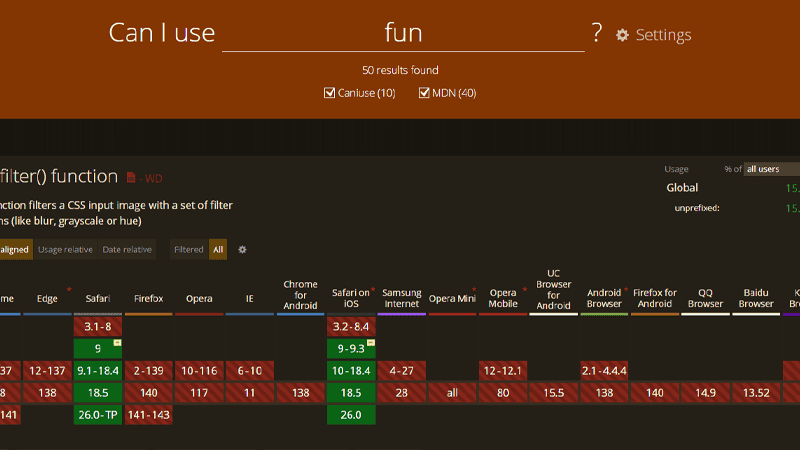
Can I Use is essential if you build for the web. Search a CSS or browser feature and it shows support across browsers, versions, and mobile platforms.
It saves arguments. It also saves you from shipping something that works beautifully in one browser and nowhere else.
12. DorkSearchPRO
DorkSearchPRO helps you build advanced Google search queries without memorizing every operator. It is useful for research, security checks, competitive digging, and finding files or pages that normal searches bury.
Use it responsibly. Powerful search operators can surface more than you expect.

13. Excalidraw
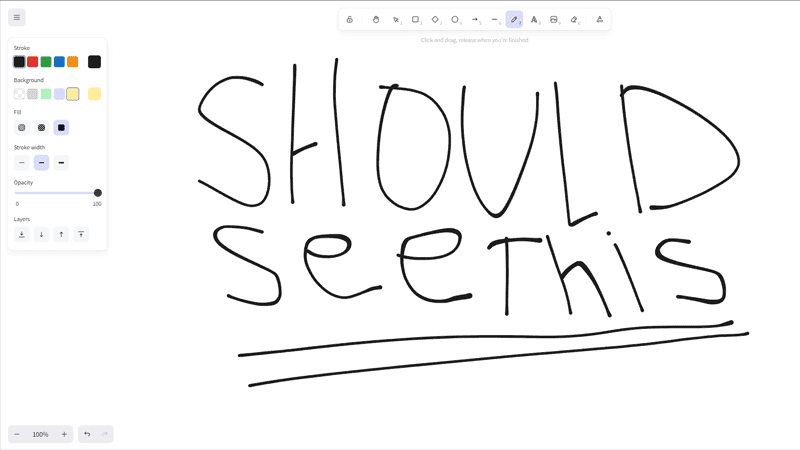
Excalidraw is perfect for quick diagrams, rough wireframes, flowcharts, and "wait, let me draw this" moments. It looks hand-drawn, but the tool is practical enough for real planning.
Not every diagram needs to look corporate. Sometimes clear is enough.
More Useful Websites
For quick reference work, these are also worth keeping around: